
Pay n Play at BetVeo: Bank, Play and Cash Out Instantly
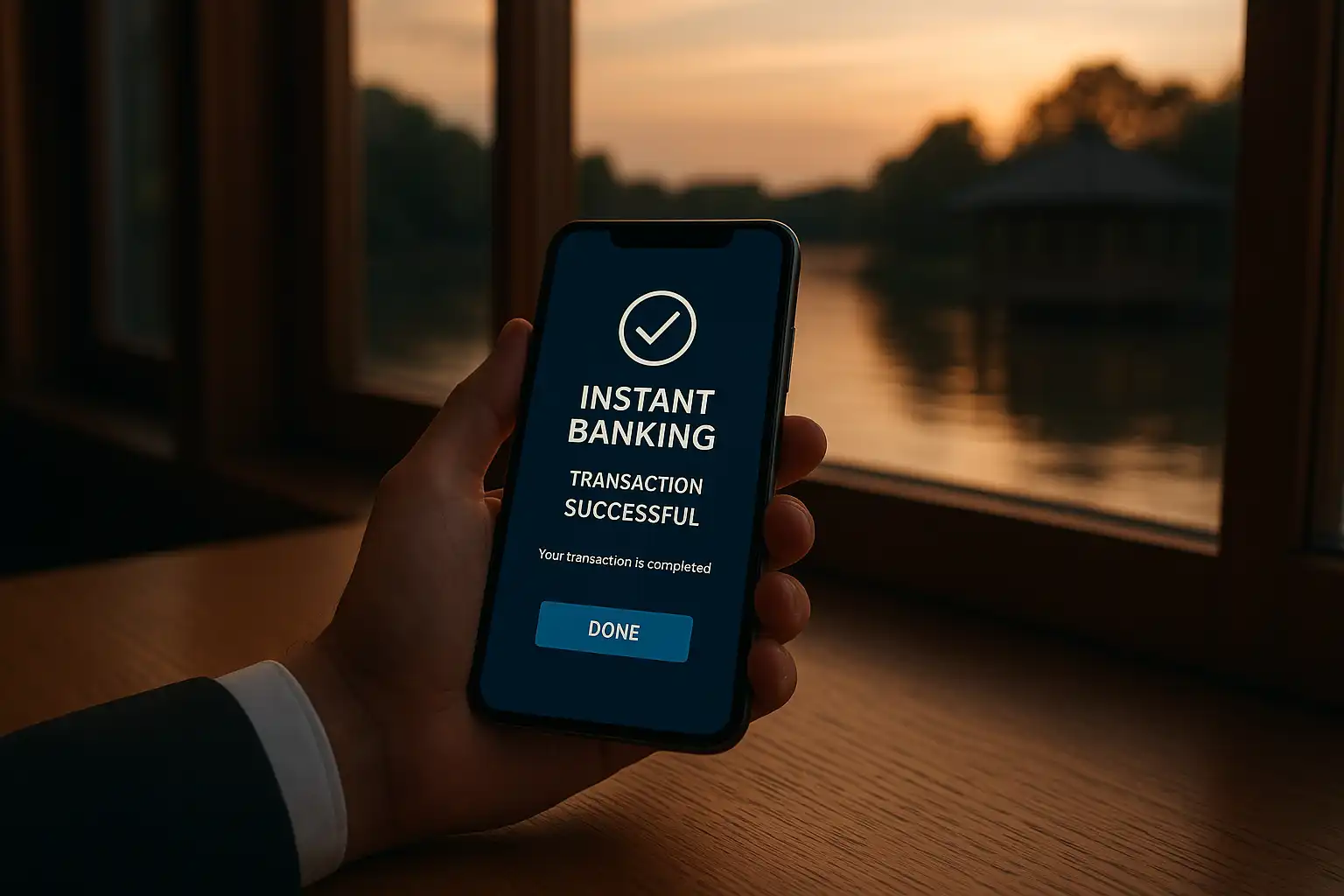
Pay n Play strips out the part of online casino sign-up that most players find tedious: the registration form, the identity documents, the waiting around for an account to be manually verified. BetVeo runs its Pay n Play banking through Trustly, using a player’s own online banking login to both create an account and move money, in one motion rather than two separate steps.
How Pay n Play Works
Instead of filling in a registration form with name, address and date of birth, a new player selects Pay n Play, logs into their own UK bank via Trustly’s secure connection, and authorises a deposit. That single action verifies identity (since it’s tied to a real bank account in the player’s name), opens a BetVeo account automatically, and credits the deposit, all within roughly 30 seconds. There’s no separate password to set at this stage either, returning players simply log back in through the same bank authentication each time.
This works because Trustly is a regulated payment institution that already holds verified identity data from the connected bank, satisfying UK Gambling Commission know-your-customer requirements without BetVeo needing to separately request documents at the point of deposit.
Deposits
| Step | What happens |
|---|---|
| 1. Select Pay n Play | Choose the option from the deposit screen |
| 2. Log into online banking | Authenticate via Trustly’s secure connection to the player’s bank |
| 3. Confirm deposit amount | Minimum £10, maximum £25,000 per transaction |
| 4. Funds credit instantly | Balance updates in the BetVeo account immediately |
Because the deposit draws directly from a linked bank account rather than a pre-loaded card or e-wallet balance, there’s no need to top up an intermediary account first, the funds move in one step from bank to BetVeo balance.
Withdrawals
Withdrawals follow the same instant logic in reverse, and this is where Pay n Play tends to stand out most compared to card or e-wallet withdrawals elsewhere. Once a withdrawal request is submitted, funds typically arrive back in the same connected bank account within minutes, not the 24 to 72 hours common with standard debit card processing. There’s no separate withdrawal form to fill in, the destination account is already confirmed as the same one used for the original deposit, which also serves as an anti-fraud measure since funds can only return to a verified account in the player’s own name.
Security and Identity Verification
Some players assume that skipping a traditional registration form means skipping verification altogether, but the opposite is true. Trustly’s bank-level authentication confirms identity more rigorously than a self-entered form ever could, since it relies on the same login credentials and security checks the player’s bank itself uses. BetVeo never sees or stores banking passwords, Trustly handles the authentication independently and passes back only a confirmation and the necessary account details for processing payments.
This also means age verification happens implicitly: UK banks require account holders to be 18 or over, so a successful Trustly login already confirms the player meets the legal age requirement for gambling.
Fees and Currency
BetVeo does not charge a fee on Pay n Play deposits or withdrawals, and transactions process in pounds sterling by default, avoiding the currency conversion charges that can appear when using cards issued in a different currency. A player’s own bank may apply its standard transaction handling, though most UK current accounts do not charge for standard Trustly-style bank transfers.
Comparing Pay n Play to Other Methods
| Feature | Pay n Play | Debit Card | E-wallet |
|---|---|---|---|
| Account registration needed | No | Yes | Yes |
| Document verification | Automatic via bank login | Manual upload required | Manual upload required |
| Deposit speed | Instant | Instant | Instant |
| Withdrawal speed | Minutes | Up to 24 hours | Up to 12 hours |
| Minimum deposit | £10 | £10 | £10 |
Session and Spending Controls
Because Pay n Play ties directly to a real bank account, it’s worth noting that BetVeo’s deposit limits still apply in full, set through account settings, capping how much can be deposited daily, weekly or monthly regardless of how quickly Trustly processes the transaction. Players wanting an extra layer of control can also set these limits before making a first deposit, since the limit-setting screen appears as part of the initial Pay n Play flow.
Is Pay n Play Right for Every Player?
Pay n Play suits players who bank with a UK institution supporting Trustly and who want the fastest possible route from sign-up to first spin, along with the quickest withdrawals on the site. Players without a compatible UK bank account, or who prefer a more traditional registration process with a separate password and username, can still use standard debit card, e-wallet or bank transfer options covered on the main payments table, all of which remain fully available alongside Pay n Play.
Mobile Pay n Play
The entire Pay n Play flow works within a mobile browser without needing a dedicated banking app open separately, Trustly’s authentication screen loads directly inside the BetVeo deposit window and hands control back automatically once login completes. This matters given how much play at BetVeo happens on mobile devices, since it means the fastest banking method on the site is also the one requiring the fewest taps to complete on a smaller screen.
What Happens If a Bank Isn’t Supported
Not every UK bank currently integrates with Trustly, though coverage spans the large majority of major high street and online banks. If a player’s bank isn’t supported, the Pay n Play option simply won’t appear as available during the deposit flow, and the standard registration process applies instead, requiring the usual account details and, for withdrawals, a one-time identity document check. This fallback ensures no player is locked out of the site entirely, Pay n Play is an accelerant for eligible players rather than a strict requirement to use BetVeo at all.
Getting Started
Selecting Pay n Play from the deposit screen is the only step needed to begin, there’s no separate sign-up page to visit first. New players should have their online banking login details to hand, and the entire process, from selecting the option to seeing a credited balance, typically completes well under a minute.